Integration
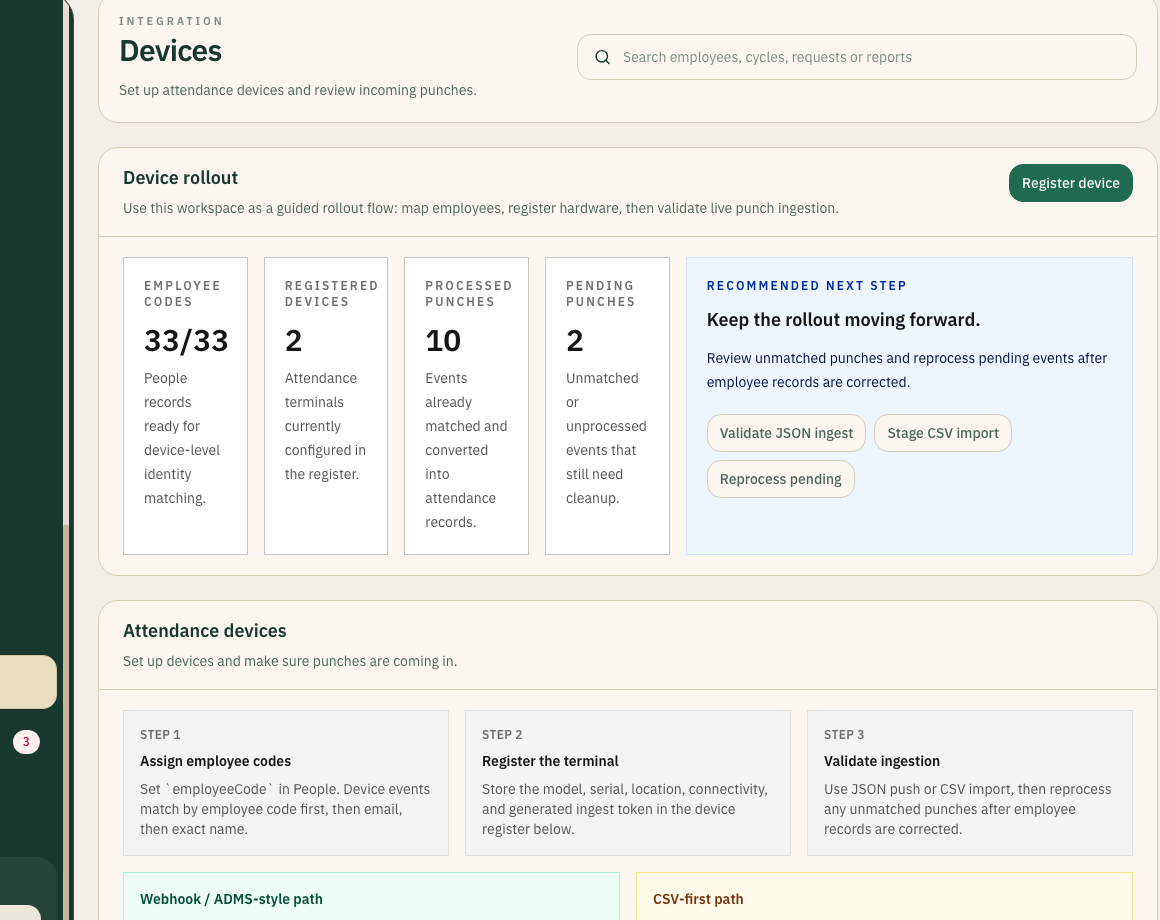
Attendance Devices
Bring device registration, event ingestion, and exception handling into the platform.
Registration and rolloutJSON and CSV ingestion
Operational problem
Attendance device integrations fail when hardware events arrive without business context: unknown employees, missing branches, invalid codes, and no owner for failed punches.
What changes in the platform
Register each terminal with location, owner, token, and rollout state.
Integration
CSV Imports and Exports
Support operational handoffs where a direct integration is not the right first step.
Start where the team isKeep data flows legible
Operational problem
CSV workflows become risky when files are treated as the source of truth. Imports and exports need structure, ownership, and validation to avoid recreating spreadsheet chaos.
What changes in the platform
Define import templates for employee records, attendance events, or payroll inputs.
Integration
API and Custom Workflows
Design a rollout around your operational constraints instead of forcing a one-size-fits-all integration.
Tailor the rollout sequenceKeep core operations stable
Operational problem
Custom integrations are risky when they automate a broken process. APIs should connect a clear operating model, not hide unclear ownership behind automation.
What changes in the platform
Define the source system, destination, and ownership model.