
Module
Core workforce records
A structured employee directory with the fields operations teams actually need to move onboarding, compliance, and payroll forward.
Platform
NxtGenSoftware is structured around the daily work of HR and operations teams. Employee data, attendance terminals, approval queues, and readiness checks stay connected because the work itself is connected.
Command center
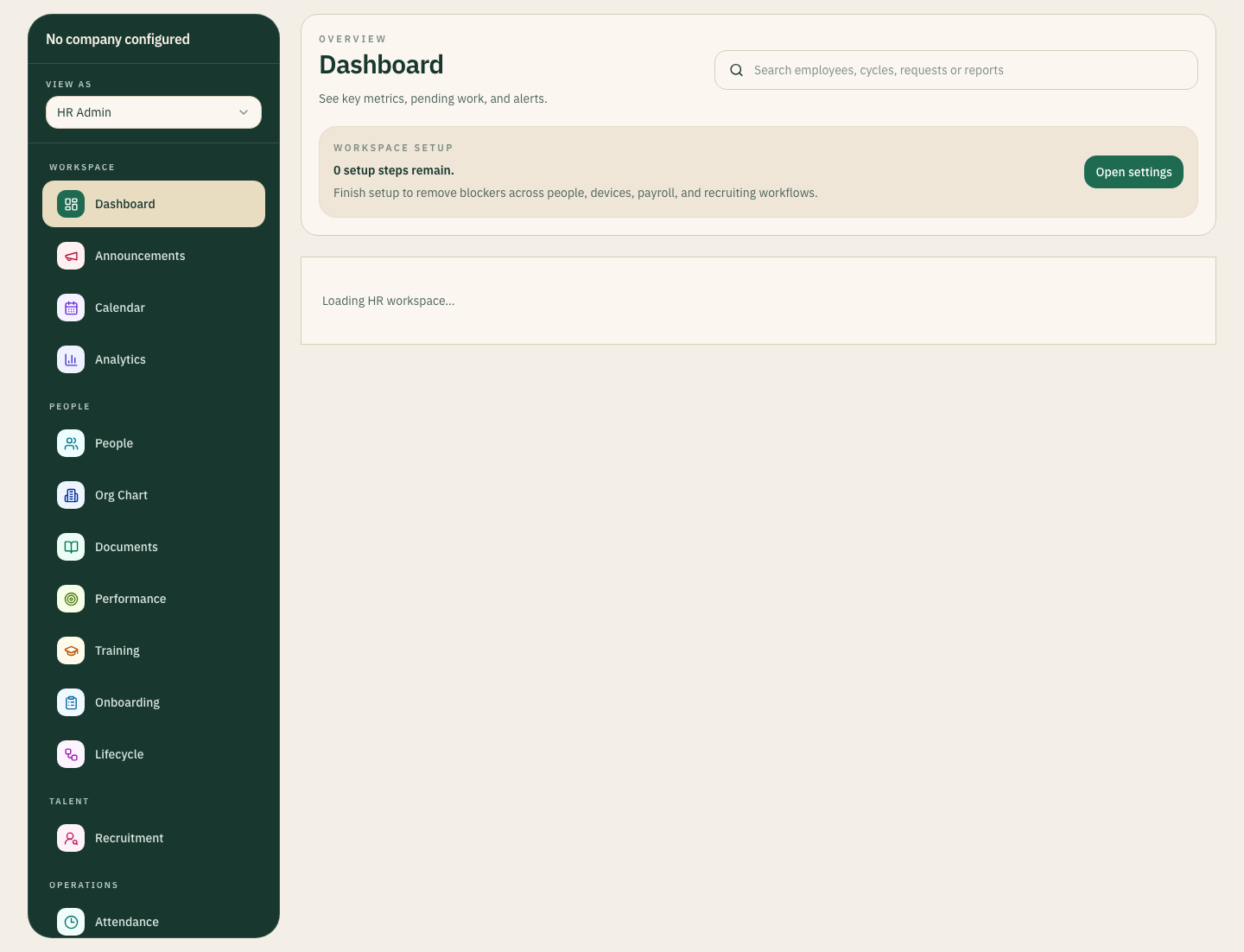
The admin layer keeps employee records, attendance activity, pending actions, branch ownership, and payroll-adjacent signals together so the team can run the week from one controlled surface.
Live
Queue visibility
Tracked
Readiness state
Inside the view
Module
A structured employee directory with the fields operations teams actually need to move onboarding, compliance, and payroll forward.
Module
Terminal registration, employee-code mapping, punch ingestion, and exception handling sit together instead of in separate admin tools.
Module
Leave, expenses, lifecycle cases, approvals, and operational queues stay visible to the people who need to act.
Module
Leaders can read queue pressure, workforce readiness, and cost trends from the same system the operators use daily.
Operating architecture
Employee profile, branch, documents, attendance code, readiness fields, and lifecycle state are created in one governed workspace.
Attendance devices, manager approvals, document updates, and payroll-dependent inputs feed the same operating layer.
Pending punches, missing fields, approval delays, and branch mismatches become visible work with ownership and status.
Executives see workforce readiness, queue pressure, and operating gaps without asking teams to rebuild reports somewhere else.
Why this architecture scales
The day-to-day system for HR, payroll, and branch administrators handling records, approvals, and exceptions.
Device events, imports, validations, and routing rules keep records and workflows synchronized without extra admin tools.
Executives see readiness, pending pressure, and operating drift from the same source teams use to do the work.
People
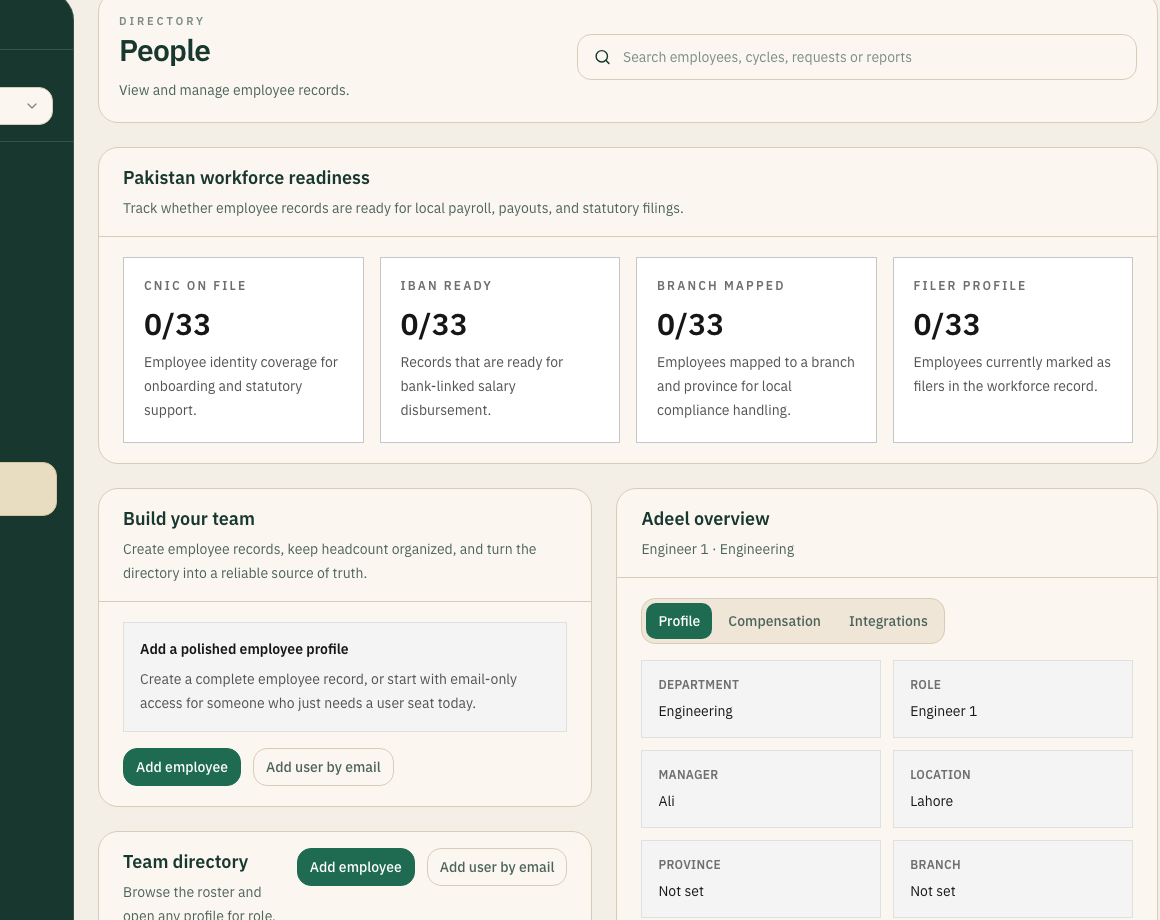
Employee data quality, payroll readiness, and profile completeness are surfaced directly in the directory instead of being discovered only when payroll is already blocked.
33
Profiles tracked
Inside the view
Devices
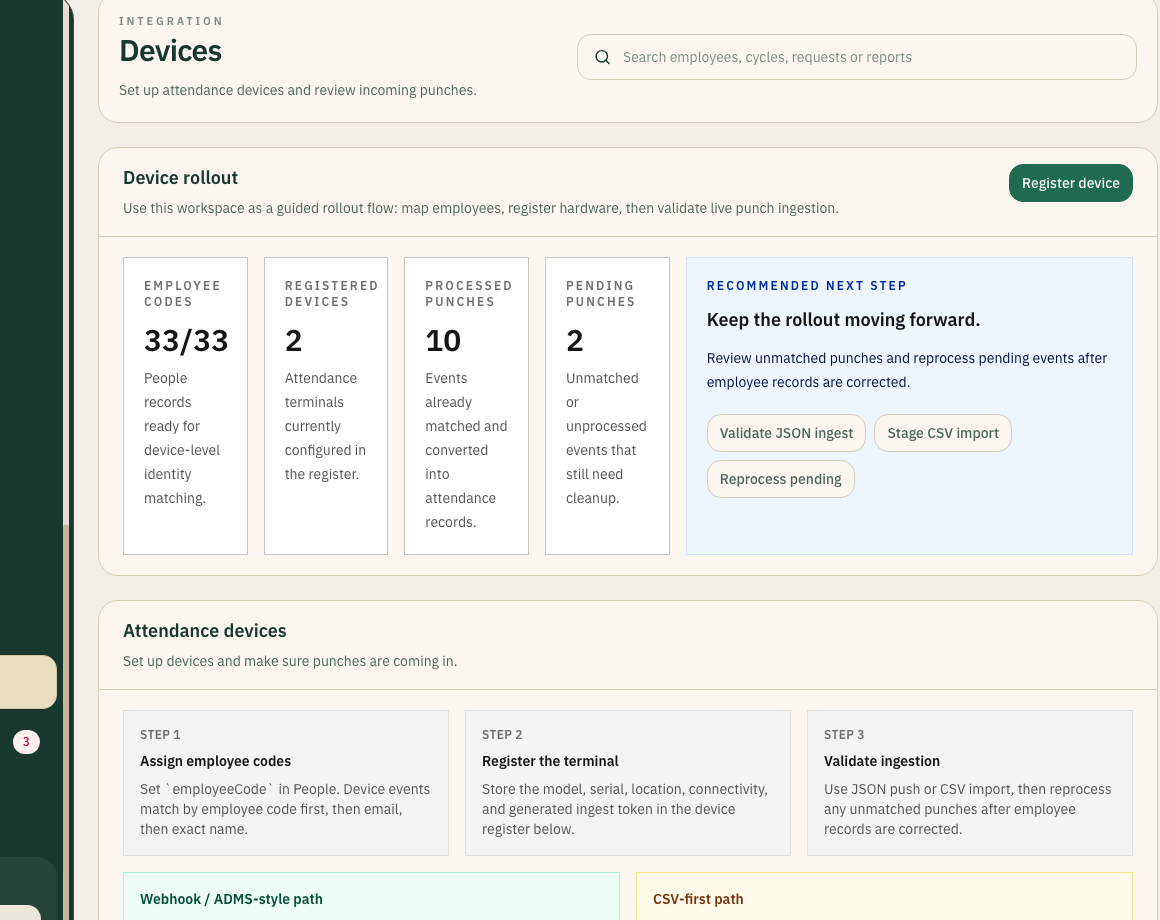
Attendance terminals, employee codes, and ingestion diagnostics sit inside the core system, making rollout and troubleshooting much easier to run.
10
Punch events shown
Inside the view
Explore the system from here