
01
Attendance rollout
Review device registration, employee-code mapping, ingest validation, pending punch recovery, and how branch rollout should be staged.
Device inventory
Employee code readiness
Pending event recovery
Book a demo
A useful HRMS demo should not be a feature tour. It should trace how employee data, attendance, approvals, and payroll readiness move through the business today, then show where NxtGenSoftware gives the team more control.
Walkthrough
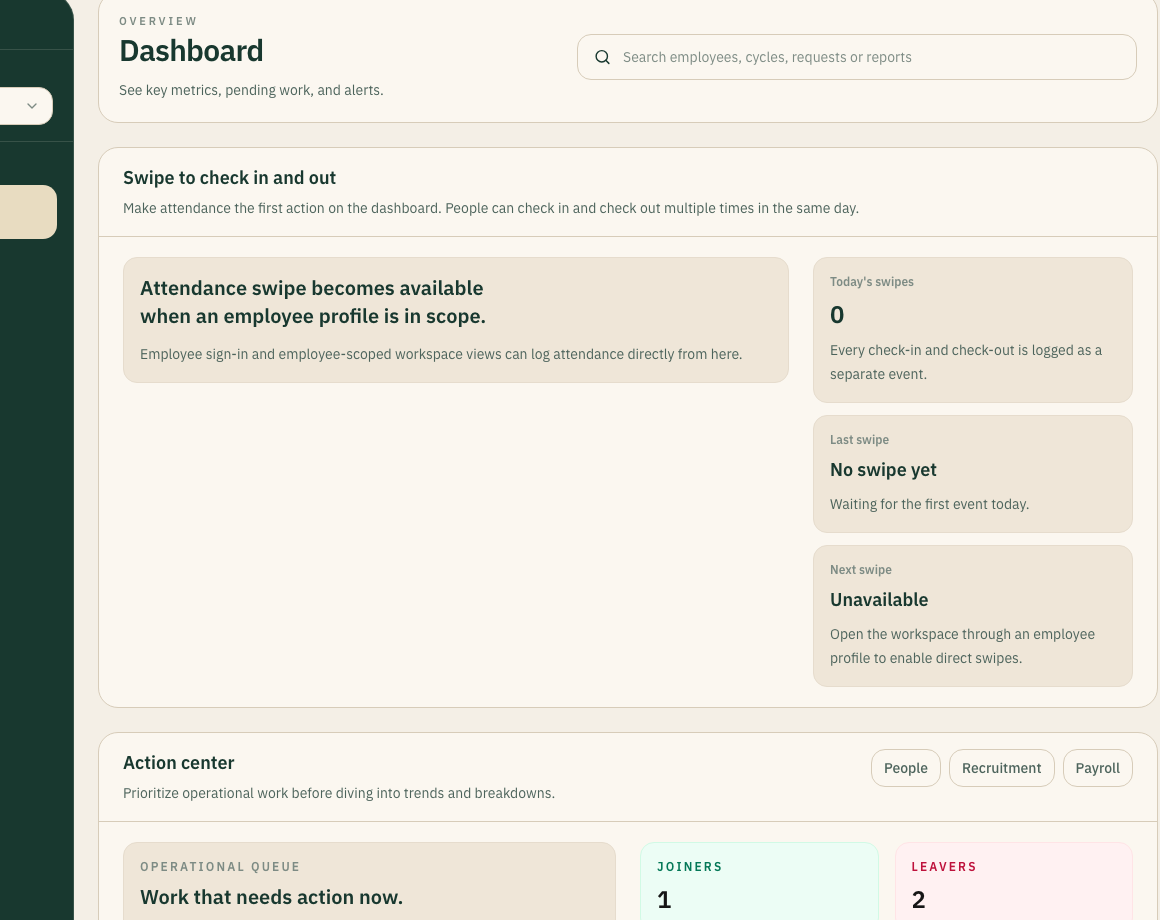
The best walkthrough starts with your actual flow: employee record created, attendance code mapped, approval routed, readiness gap surfaced, payroll input prepared.
Live
Workflow context
Clear
Ownership model
Inside the view
Review device registration, employee-code mapping, ingest validation, pending punch recovery, and how branch rollout should be staged.
Device inventory
Employee code readiness
Pending event recovery
Walk through the fields, approvals, data gaps, and attendance inputs that need to be clean before payroll work begins.
Profile completeness
Branch ownership
Readiness reports
See how lifecycle work, employee documents, approvals, and operational follow-up can move through one controlled workspace.
Shared queues
Lifecycle state
Manager handoffs
Map how NxtGenSoftware would support a distributed workforce across branches, devices, managers, and payroll dependencies.
Branch structure
Role ownership
Rollout sequence
Demo structure
01
We start with where the team loses time today: spreadsheets, attendance drift, approval backlog, or payroll cleanup.
02
The walkthrough follows the actual operating path instead of bouncing between disconnected features.
03
The next step should be clear: what cleans up first, what can launch later, and where integrations matter.
Before the call
Current employee count, branch count, and how quickly both are changing.
Attendance device model, number of terminals, and whether employee codes are already standardized.
The manual steps currently required before payroll, including approvals and missing-data checks.
Which teams need visibility: HR, payroll, operations, finance, managers, executives, or branch admins.
Demo evidence
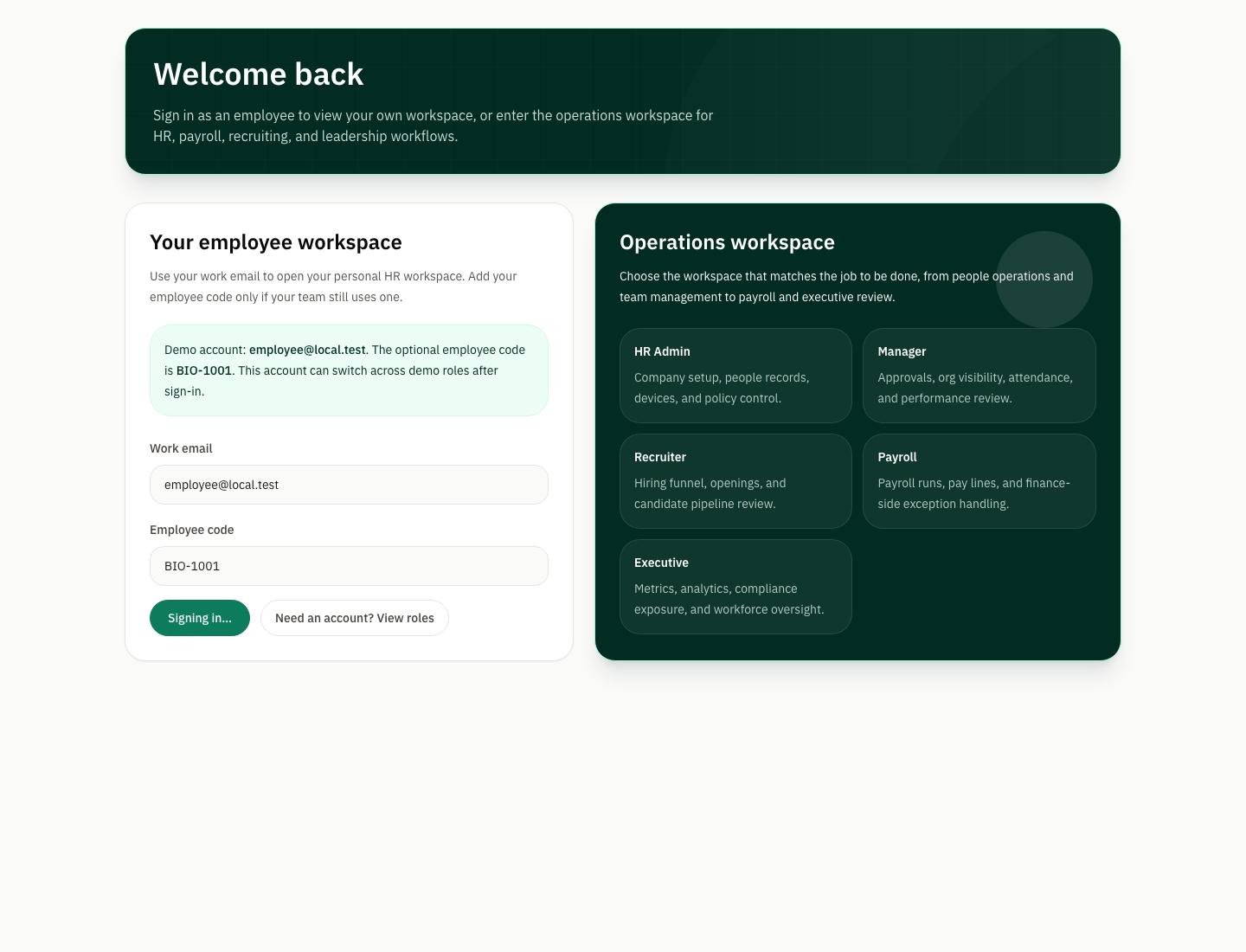
A strong demo should show the actual application views people will rely on, not abstract slides. That means records, dashboards, workflows, and operational status inside the same product language.
Multi-view
Operator context
B2B
Decision confidence
Inside the view